Run your first content test

A test tells you whether a change helped, or whether the whole site just moved. You change some pages, leave similar pages alone (the control), and KeptSEO compares the two. Tests are part of Pro and Agency.
1. Find a page worth improving
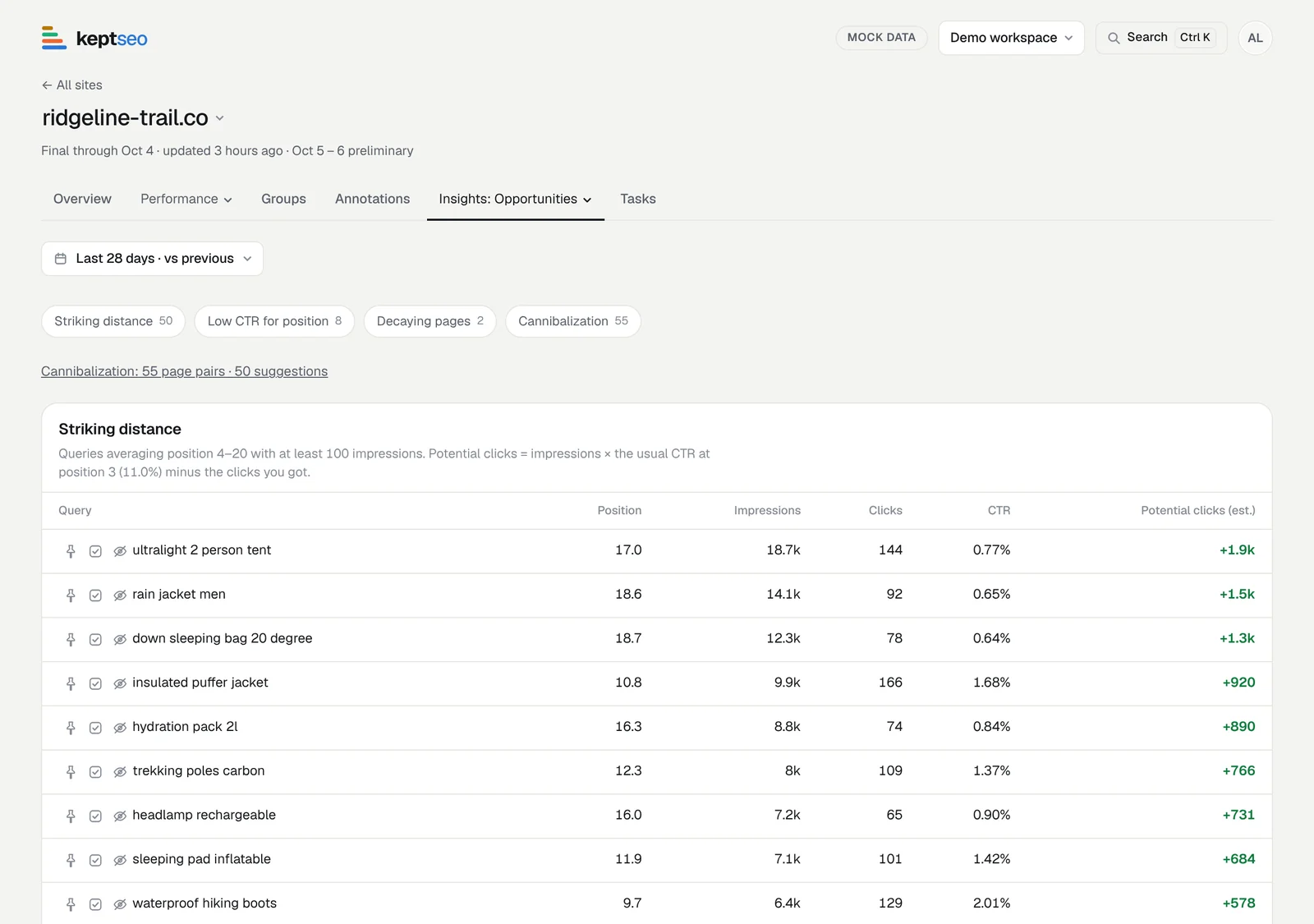
Open your site and choose Opportunities. Decaying pages and queries in striking distance are good first tests.
2. Create a task
Select the task button on the row. The task keeps the page and its numbers from today, and gets a category you can change (a decaying page starts as Content refresh).
3. Make the change, then log it
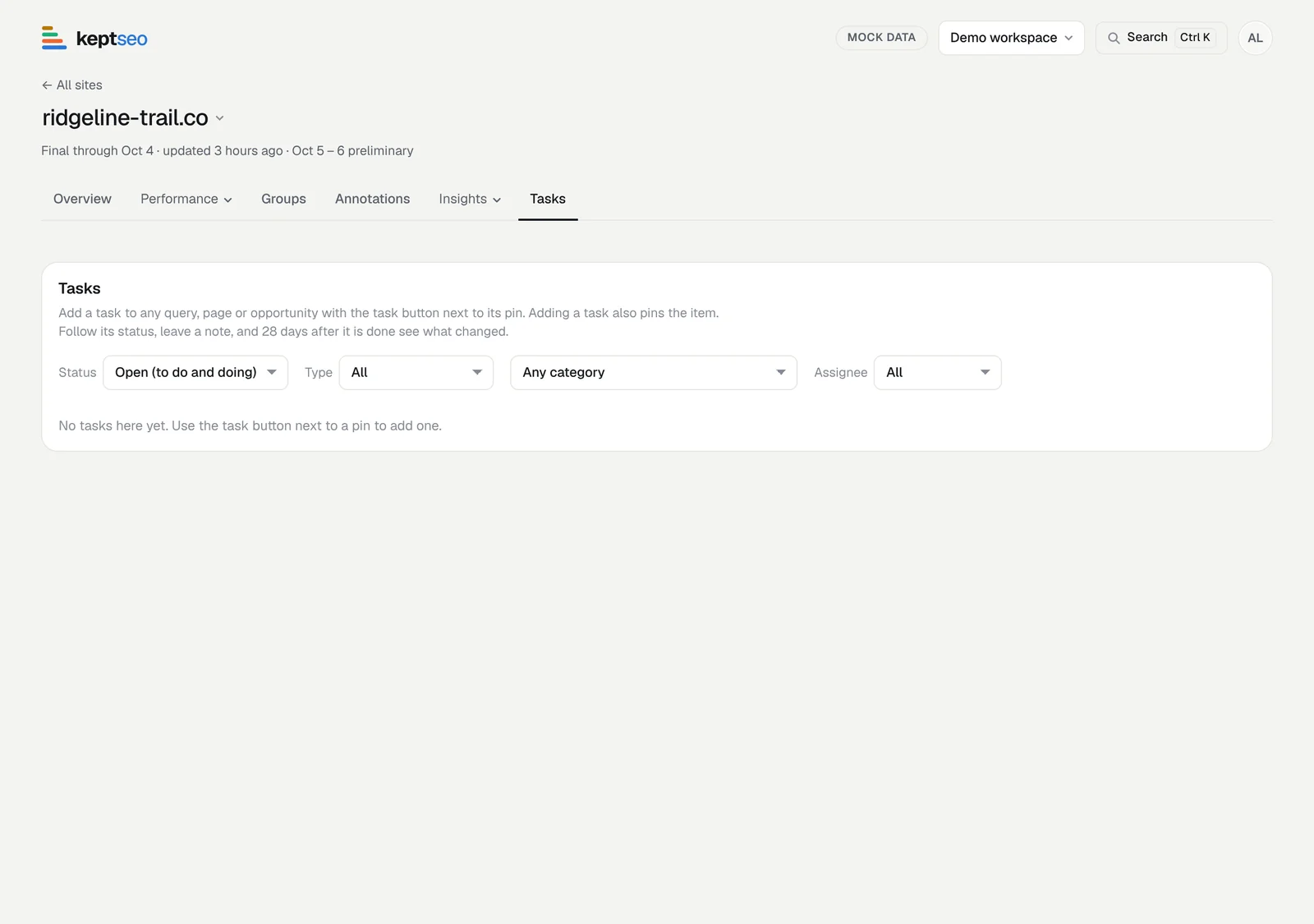
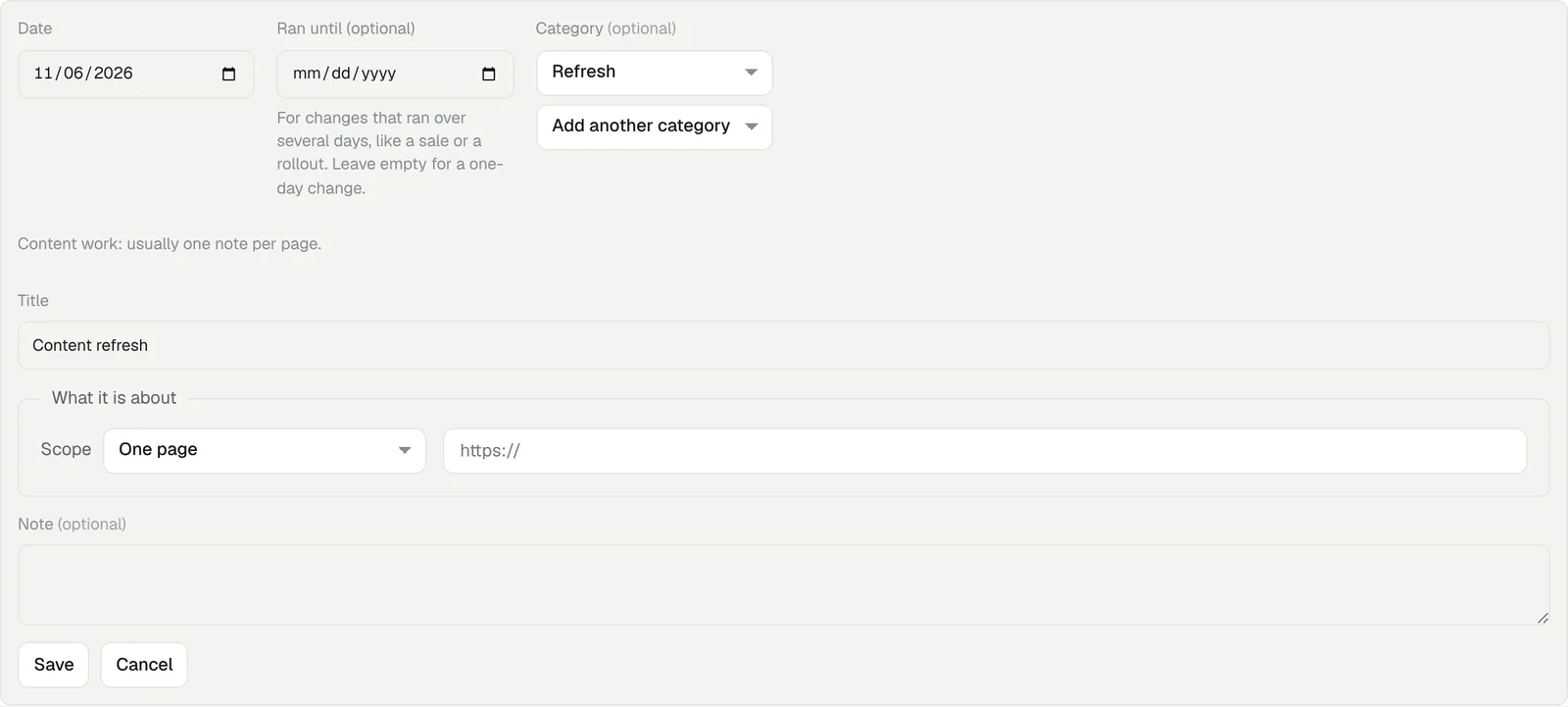
Update the page. When you mark the task Done, choose Log as annotation. You can also add a note yourself on the Annotations tab with Add annotation: pick the date, a category and the page.
4. Add control pages
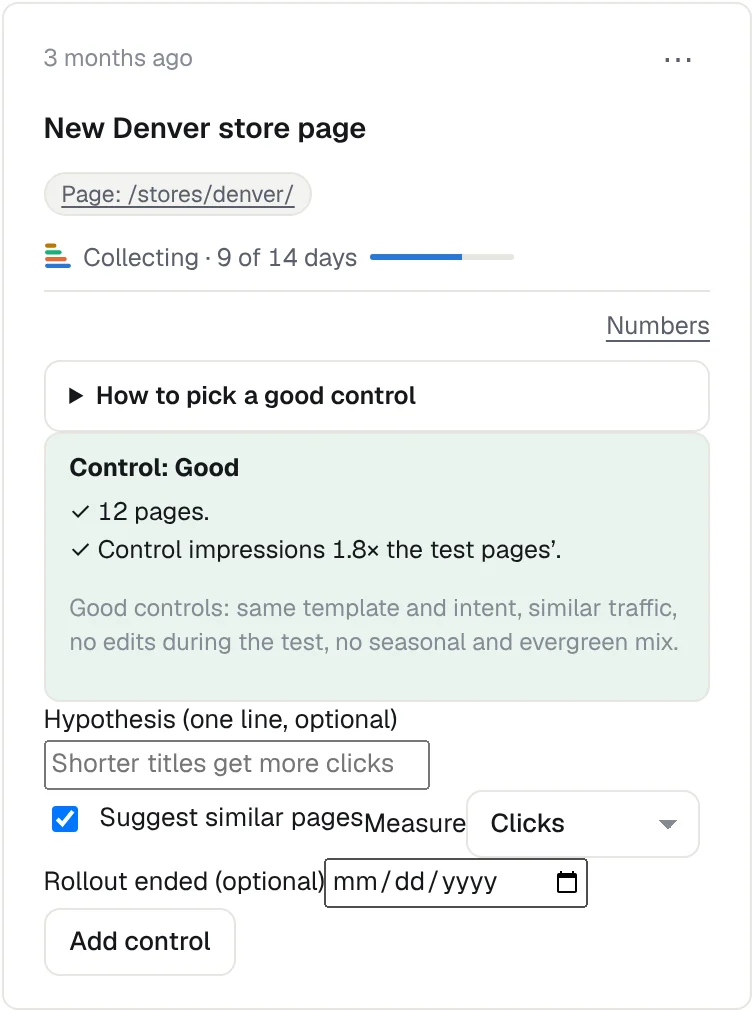
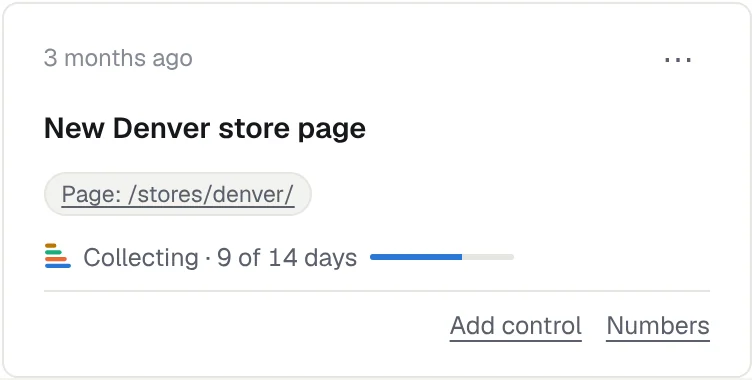
On the note's card, choose Add control. Write a one-line hypothesis, pick the control pages (or Suggest similar pages) and what to measure. Clicks is the default. The form rates your control as Good, Fair or Weak. See Pick a good control.
5. Wait for the first checkpoint
The card says Collecting with a progress bar until 14 days of data are in. Don't edit the control pages meanwhile.
6. Read the result
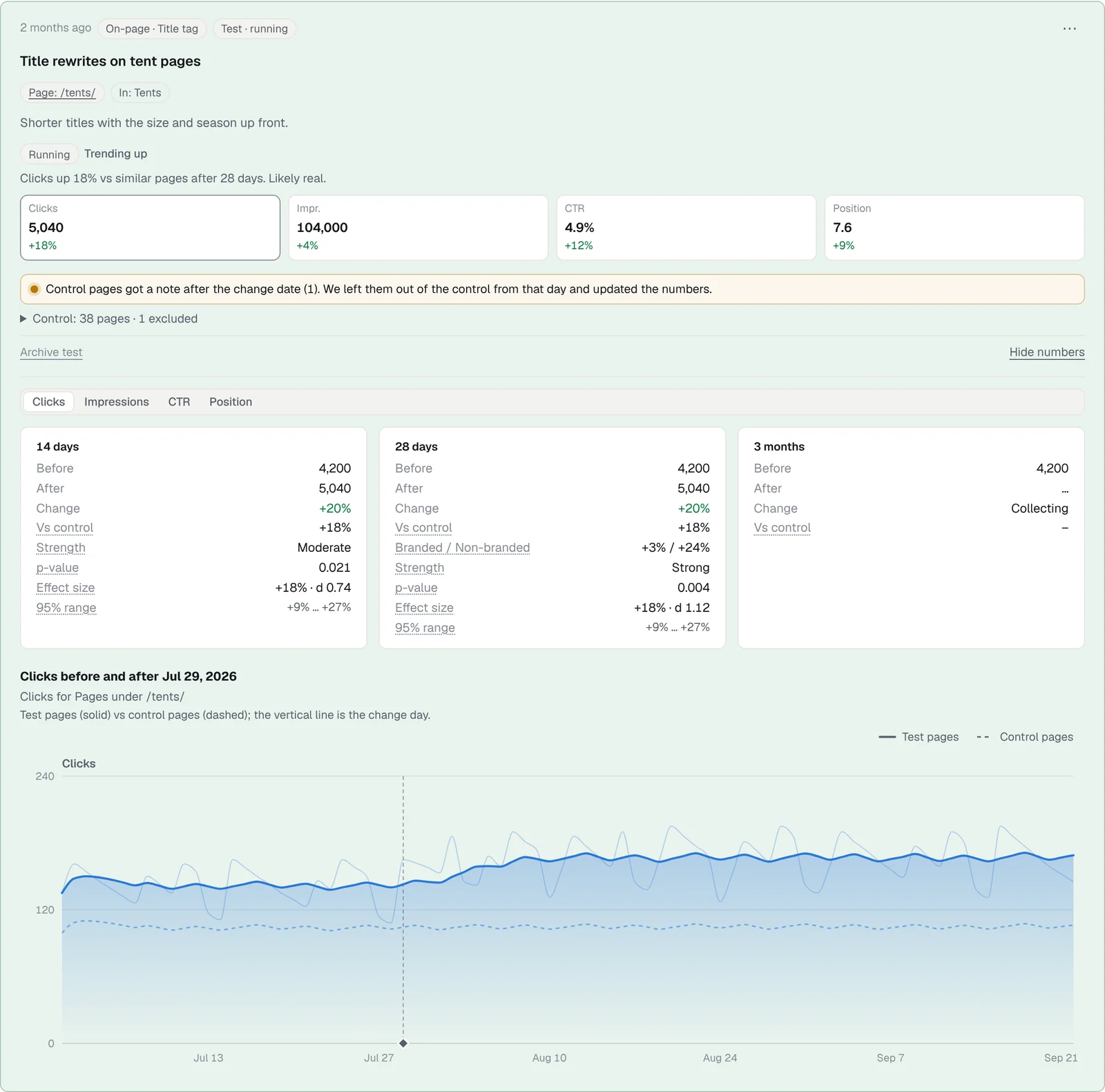
Open Numbers. Each checkpoint (14 days, 28 days, 3 months) shows before, after, the change against the control, a 95% range and how sure the result is. Judge a test at 28 days or later.
7. End the test
Tests archive themselves 7 days after the 3-month checkpoint. To stop early, choose End test & Archive: it saves a final result from all the data so far, or says Too short to call if the test ran less than 28 days. Undo brings the test back. A page can be in one running test at a time.
Start free, or see features and pricing.